
Let's go over getting the new input system set up and ready for use inside unity.
Installing New Input System Package:
Note: The new Input System requires Unity 2019.1+ and the .NET 4 runtime. It doesn’t work in projects using the old .NET 3.5 runtime.
- Inside the package manager window. select unity registry.
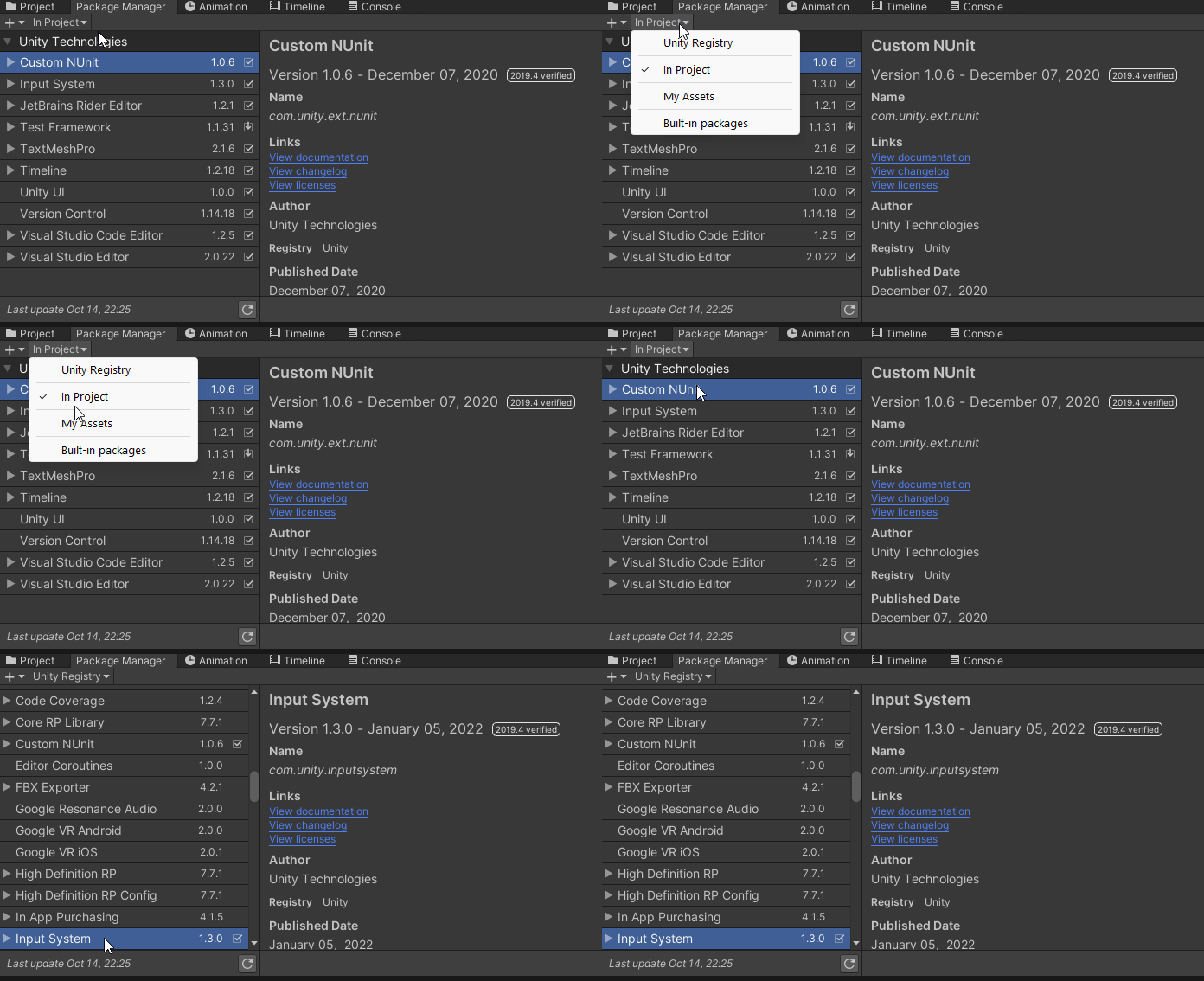
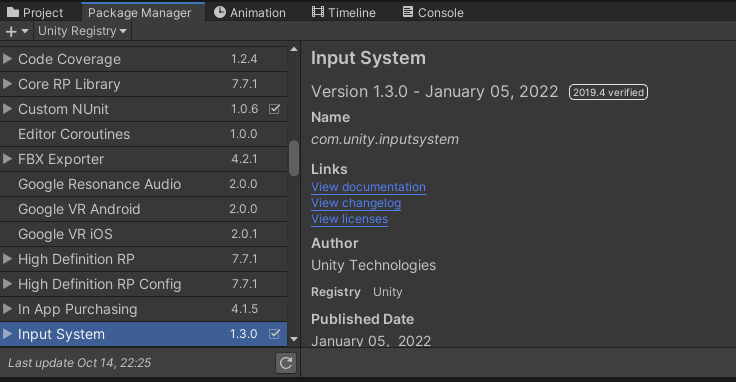
2. Scroll down and select Input System and click Install.
3. Once the install is complete it will ask to enable the new input system and disable the old. Click Yes and Unity will Restart.