
Jetpack Compose is revolutionizing the way we build user interfaces on Android. One of the many features it offers is the Canvas API, which allows developers to draw custom shapes, paths, and graphics. In this blog post, we will explore 10 practical examples of using the Canvas API in Jetpack Compose.
1. Drawing a Circle
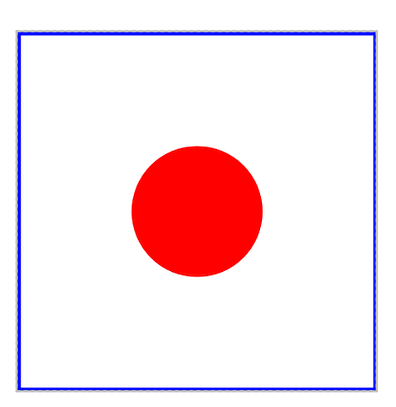
Let’s start with something simple — drawing a circle.
@Composable
fun DrawCircle() {
    Canvas(
        modifier = Modifier
            .size(200.dp)
            .background(Color.White)
            .border(2.dp, color = Color.Blue)
    ) {
        drawCircle(color = Color.Red, radius = 100f)
    }
}
2. Drawing a Rectangle
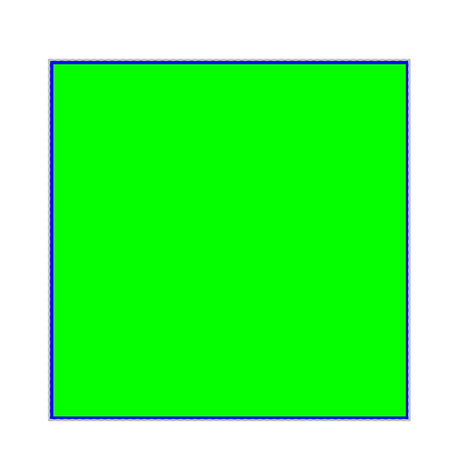
Drawing a rectangle is just as straightforward.
@Composable
fun DrawRectangle() {
    Canvas(
        modifier = Modifier
            .size(200.dp)
            .background(Color.White)
            .border(2.dp, color = Color.Blue)
    ) {
        drawRect(color = Color.Green, size = size)
    }
}
3. Drawing a Line
Drawing a line requires two points: a start point and an end point.
@Composable
fun DrawLine() {
    Canvas(
        modifier = Modifier
            .size(200.dp)
            .background(Color.White)
            .border(2.dp, color = Color.Red)
    ) {
        drawLine(
            color = Color.Blue,
            start = Offset.Zero,
            end = Offset(size.width, size.height),
            strokeWidth = 4f
        )
    }
}