
Before enhancing my game anymore, I wanted to mess around with the Post Processing package from Unity to make my game look a little cooler.
First step was to download the Post Processing Package from Unity via:
Window>Package Manager>Post Processing
Once that was installed, it was time to use it.
To implement, I needed to create a Post Processing Volume empty object:
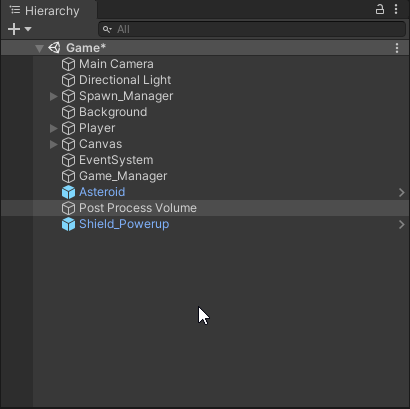
PPV in the Hierarchy
Then within the Post Processing Volume object, I added a Post-process Volume component, and created a new Profile to start enacting changes. I also made sure the Is Global box was checked so I could affect my entire look (will experiment with non-global effect layers in the future):