
In React, event management closely aligns with traditional HTML practices, with a key distinction being the naming of events. React follows a camelCase naming convention as opposed to the all-lowercase convention in HTML. For instance, the HTML onclick event becomes onClick in the React environment.
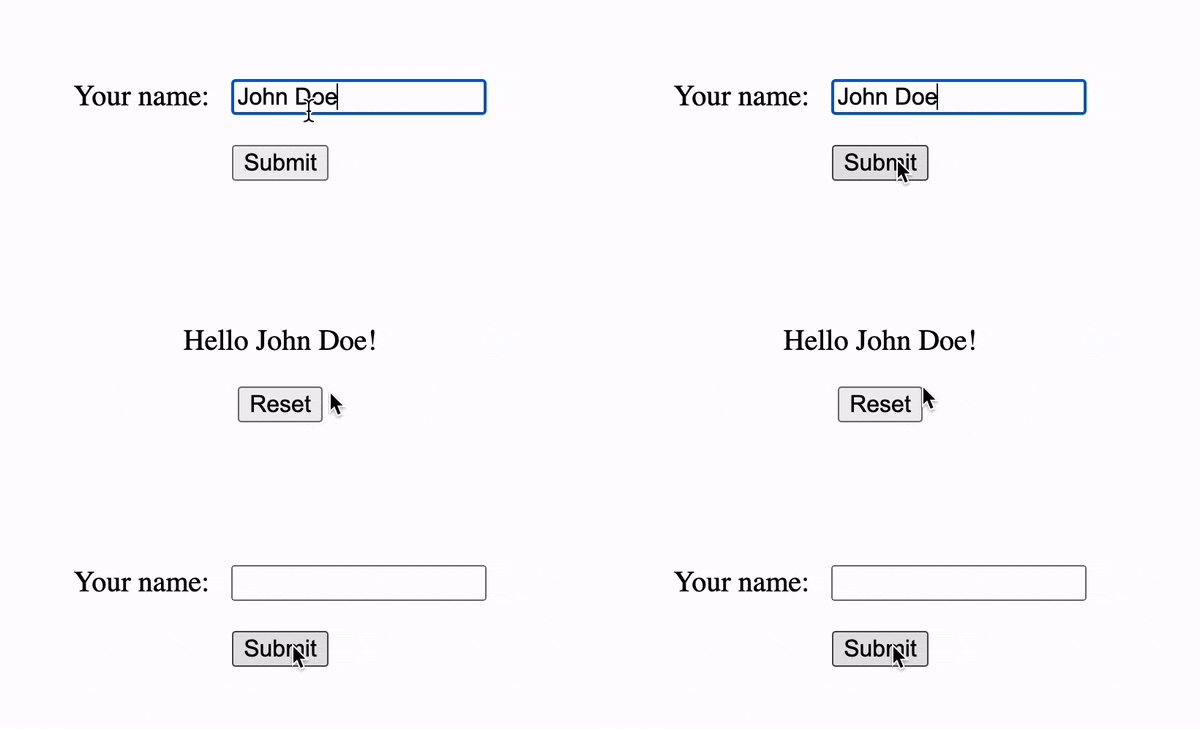
To manage events in React, you can assign a function as a prop to the component responsible for triggering the event. When the event occurs, React automatically invokes the specified function, passing an event object as a parameter. This function can then access the event data and update the component’s state, leading to a re-render of the user interface.
Here’s an example of how to handle a click event in React:

In the example above, we define a Button component that has a count state and a handleClick function that updates the state when the button is clicked. We pass the handleClick function as a prop to the button element using the onClick attribute. The button’s label displays the current count value.