
The hotkey window is one of the most useful features of iTerm2. It is a floating window that slides down from the menubar when summoned by a hotkey you can configure.
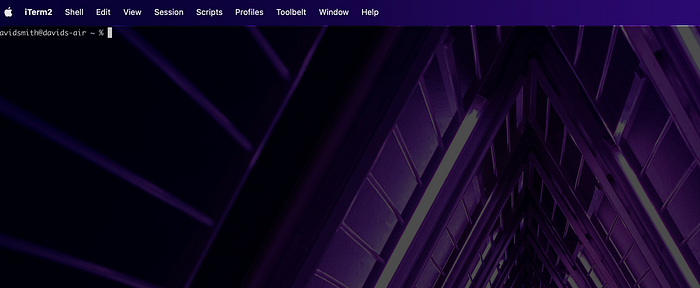
To enable the hotkey window, open iTerm2, click on the iTerm2 menu item in the menubar, and click “Settings...”
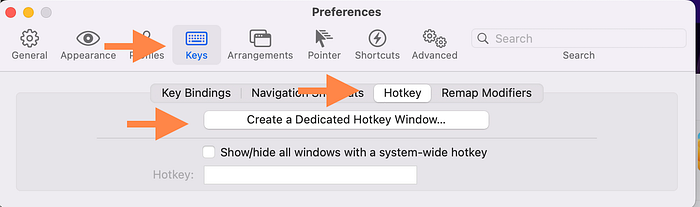
Once in settings, click on the “Keys” tab, then the “Hotkey” tab and then click “Create a Dedicated Hotkey Window…”