
The recent release of the Plumsail Org Chart for SharePoint Online has brought us a cool feature like Modern skin. Let’s have a look at how it works.
First of all, Modern skin goes by default when creating an Org Chart web part from scratch. It’s made for a purpose. Modern skin style is adjusted to Modern SharePoint. And the greatest thing about this skin is that it inherits the current site theme.
Look at the pictures.
The current theme is blue. And the Org Chart style has the same colors — look at left-border lines, dots for dotted-line managers and links in a tooltip.

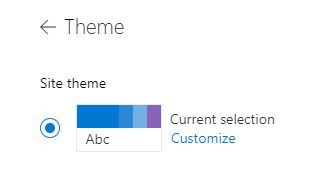
I’m going to change the site theme to the orange one. Let’s see what happens to the Org Chart.