
Today I’ll be kicking off my journey to develop VR applications in Unity! Here’s a quick rundown on how to pair an Oculus Device with a computer and have it set up properly.
To link the Quest VR Headset to the computer in order to develop applications for it, first we need to set up Quest Link which will pair together both devices.
Although the Quest can function by itself as a computer, we want it to function as a test viewing device, and develop an application on our desktop/laptop instead.
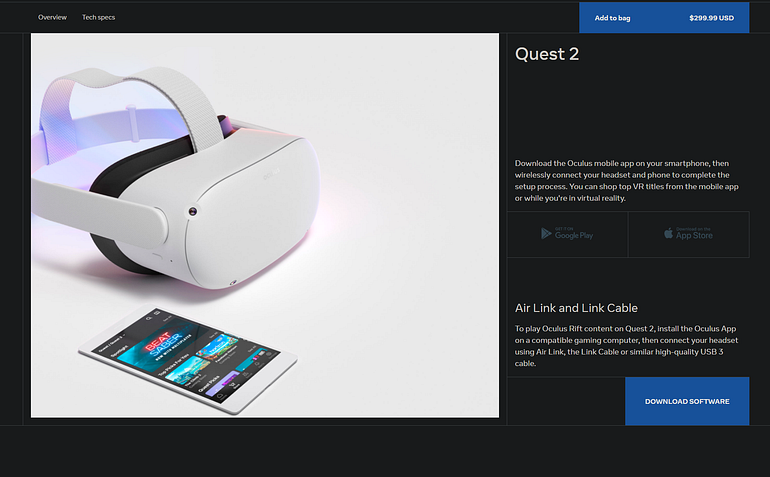
Start by navigating to the Meta Quest site here:https://www.meta.com/quest/setup/?utm_source=www.meta.com&utm_medium=dollyredirect
Click Download Software and follow the prompts to install the Oculus Rift App on OSX/Windows.
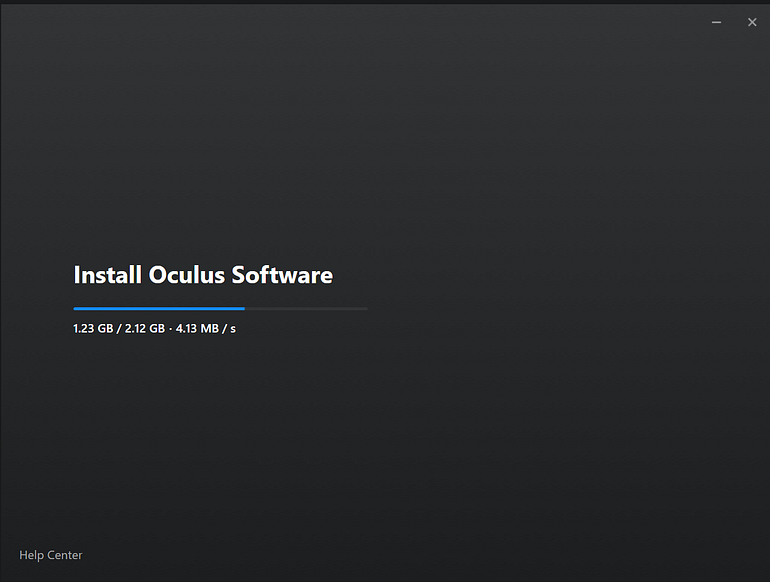
Once the install finishes, create a Meta Account or login with an existing one.