
I’ve had this left unpublished for a while so I thought I’d share it for anyone who might be new to it. I am aware that there is an easy-to-install, portable Windows version but this guide will cover the manual install.
Pre-requisites
Python 3.10
Git
Step 1 : Clone the repo
Open a command prompt (Windows) or terminal (Linux) to where you would like to install the repo. We will create a folder named ai in the root directory of the C drive under Windows and in the user’s home directory under Linux.
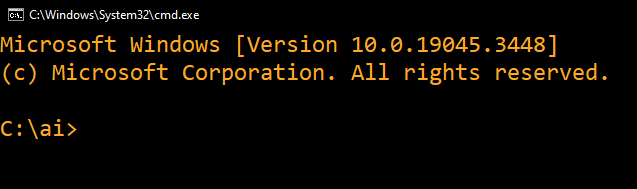
Windows
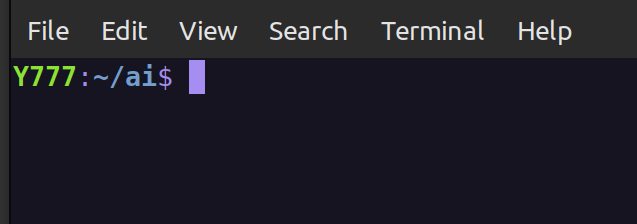
Linux
Clone the repo using Git. When that is done set the current working directory to ComfyUI.