
In this article, we will learn how we can implement search efficiently in Android. Whenever user search for something in your app, we show a list of suggestions they might be searching for on each txt change.
Let’s take an example:
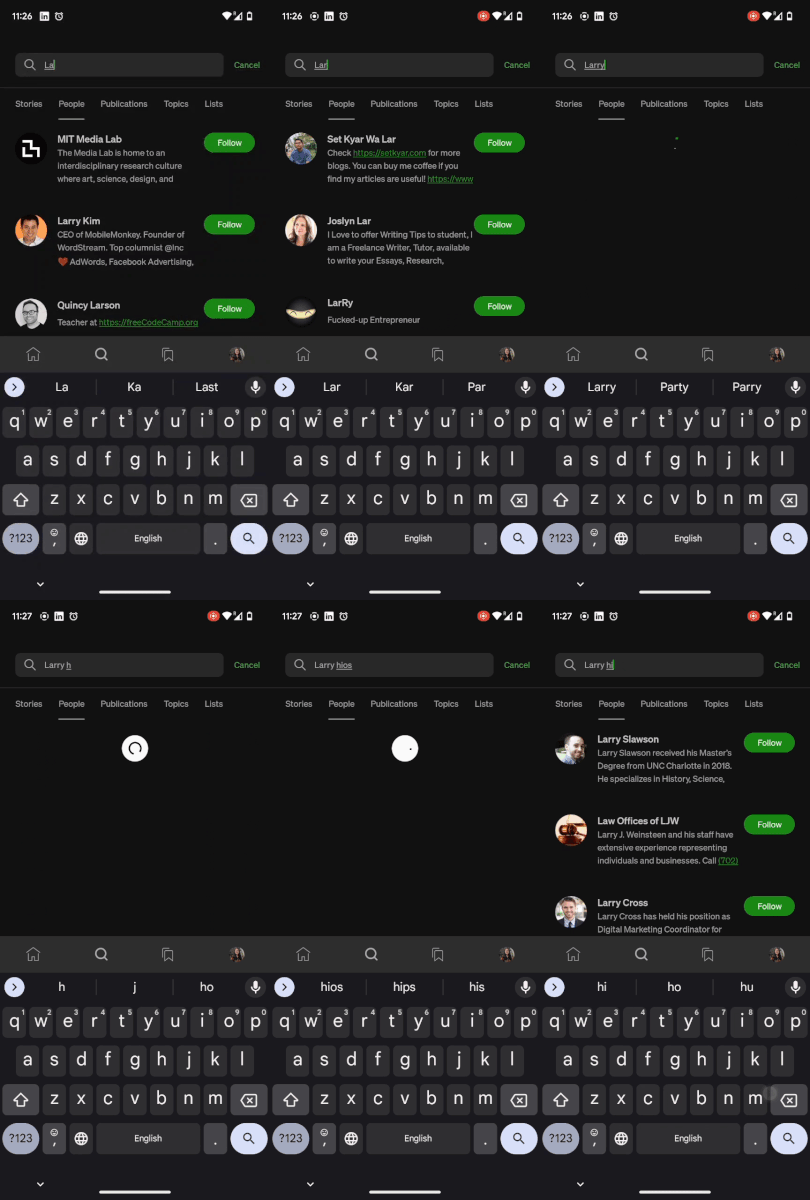
In the medium app when we are searching for people, on each text change we see a respective result.
The code looks something like this:
searchEditText.addTextChangedListener(object : TextWatcher {

  override fun afterTextChanged(editable: Editable) {
   // api call to send search text , and get respective result
  }

  override fun beforeTextChanged(s: CharSequence?, start: Int, count: Int, after: Int) {}
  override fun onTextChanged(s: CharSequence?, start: Int, before: Int, count: Int) {}
})
Here in this code whenever the user types something in the search bar, we get a callback in text watcher and we make api call.