
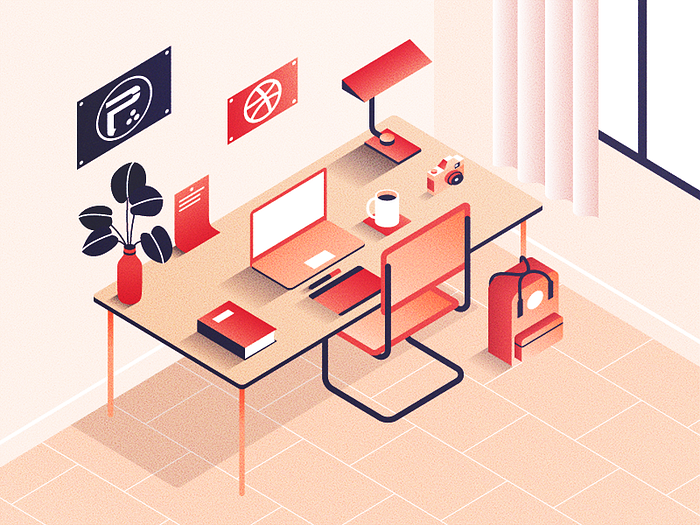
In this tutorial I will explain how I set up an isometric grid in illustrator to work on illustrations like this one :
The final grid
The final grid is 400x400, there’s another 100x100 grid on top. The 100x100 grid is useful for bigger elements, the 400x400 grid is great to work on details. Here’s a closeup :

The grid tool
You can find the grid tool on the tool panel under the line tool. Long-click the line tool to select the “rectangular grid tool”.