
Ever felt your Docker images are wearing a few extra layers? I’ve been there. Dockerizing sample Vite + React app used to result in a chunky image. But then, I was introduced to multi-stage builds and everything changed. Let’s dive in, starting from the very beginning!
Step 1: Setting Up a React App with Vite
Before we even touch Docker, let’s get our React app up and running with Vite:
- Create a New Project: Kickstart your React project with:
npm create vite@latest my-react-app -- --template vue --template react
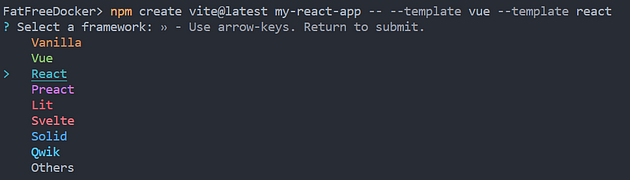
Select React
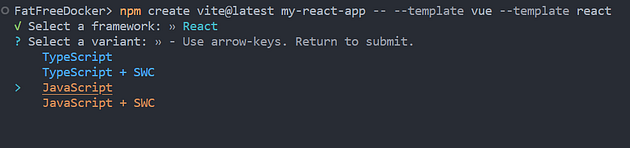
Select Javascript
- Navigate and Start:
cd my-react-app
npm install
npm run dev
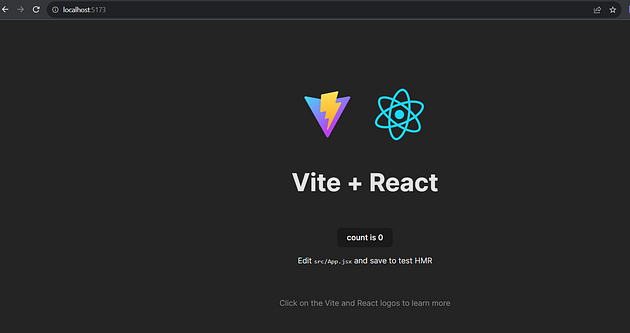
React App running on localhost
Voilà! You should have a React app running smoothly with Vite.